
Spring cleaning often begins with closets, but in the business world, clutter usually extends far beyond just a few shelves.
It could be tangled wires on a server rack, boxes stored away in a back office, or a forgotten heap labeled "address later."
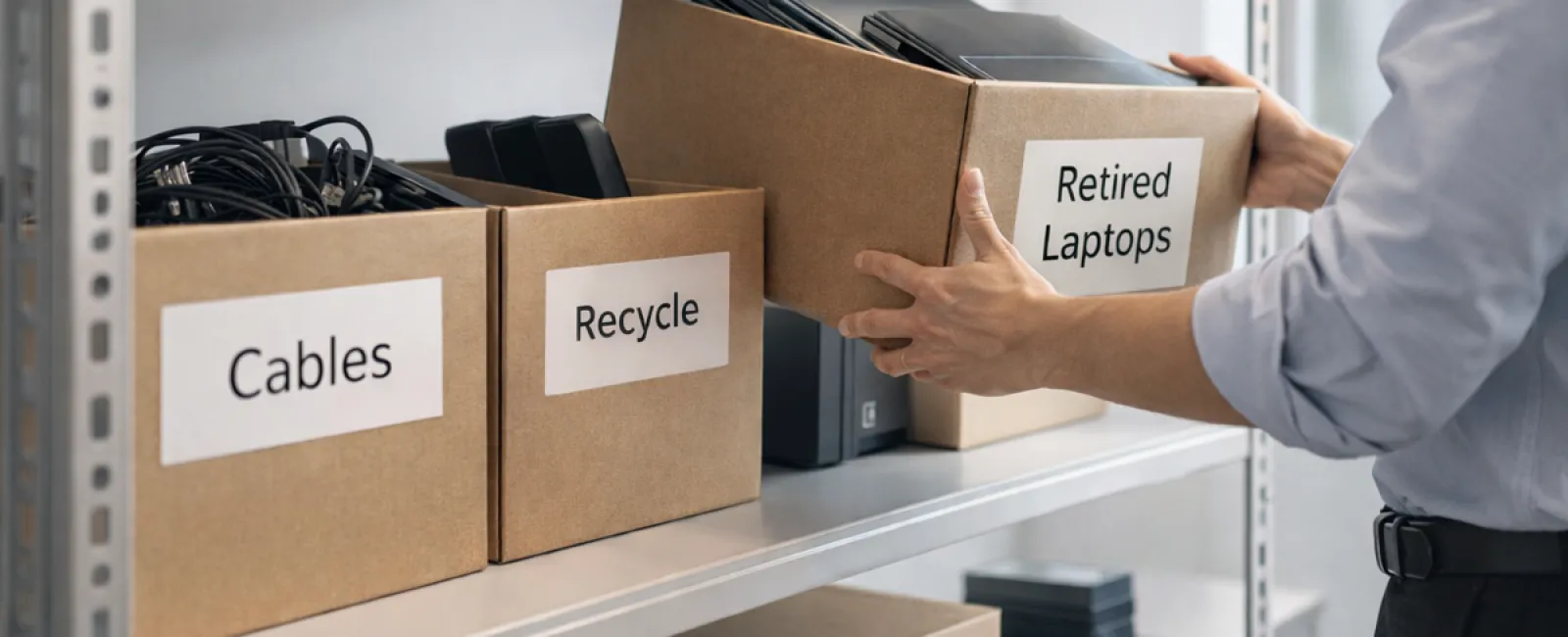
Old laptops sitting idle, outdated printers, backup drives from years ago, and cables saved "just in case" — these piles grow everywhere.
Every company faces this accumulation.
The real question is not if you have clutter, but whether you have a clear plan to manage it.
Technology Lifecycle: Beyond Just the Purchase Date
When your business invests in new tech, the reasons are clear — faster speeds, better security, enhanced capabilities, or support for growth.
While many companies plan carefully for technology purchases, few strategize its retirement.
Retiring equipment tends to be a quiet affair. Devices are replaced and set aside, then eventually someone clears them out.
That's normal.
What's less typical is managing tech retirement with as much care as the initial purchase.
Discarded equipment still holds value—usable parts, recyclable materials, and potentially sensitive data. Ignoring it can slow operations and waste valuable space.
Spring offers a perfect moment to ask: which gadgets still serve us, and which ones just take up room?
Effective Steps to Organize Your Tech Inventory
If you want to turn "we should" into action, follow our straightforward four-step method.
Step 1: Catalog Everything
Identify exactly what you're retiring—laptops, phones, printers, network equipment, or external drives. You can't control what hasn't been accounted for, and a thorough check often uncovers surprises.
Step 2: Choose the Right Path
Devices typically belong in one of three buckets: reuse (either internally or by donation), recycle (via certified e-waste programs), or destroy (when data security demands it). The key is making deliberate choices, not letting equipment languish unused indefinitely.
Step 3: Properly Prepare Devices
A little care here pays off.
If reusing or donating, remove devices from management systems, revoke user access, and thoroughly erase data—not just a factory reset. Deleting files doesn't truly remove data, it only hides where it's stored.
Data security firm Blancco discovered that 42% of resold drives on eBay still contained sensitive information like tax and passport data, despite sellers claiming proper erasure. Certified tools overwrite all storage sectors and provide verified reports.
If recycling, always use certified e-waste vendors—not trash bins. Note that programs like Best Buy's recycling service accept household electronics only, not business equipment.
For businesses, select IT asset disposition (ITAD) providers or professional e-waste recyclers with e-Stewards or R2 certifications; directories are available at e-stewards.org and sustainableelectronics.org. Your IT partner can often manage this for you.
For destruction, opt for certified data wiping or physical destruction methods (shredding or degaussing), keeping detailed records: device serial, method, date, and responsible party.
This isn't paranoia—it's ensuring a complete, secure process.
Step 4: Document and Finalize
After equipment leaves your premises, track where it went, how it was handled, and confirm access removal. Clear documentation prevents future doubts.
Forgotten Devices That Matter
Laptops often get the spotlight, but many other devices get overlooked.
Phones and tablets may retain email logins, contact info, or security apps. Factory resets handle much but a certified mobile wipe offers more thorough erasure. Many major brands offer trade-in credits even for outdated devices.
Printers and copiers often have internal drives storing scans, faxes, and copy logs. When returning leased machines, request written confirmation that these drives will be wiped or removed before redeployment.
Batteries are considered hazardous waste by the EPA, and in several states (California, New York, Minnesota), businesses cannot legally dispose of rechargeable batteries in regular trash. Always remove, tape terminals to avoid shorts, and take them to certified recycling points. Find local drop-offs on Call2Recycle.org; many retailers like Staples and Home Depot accept rechargeable batteries.
External drives and old servers tend to accumulate in storage but should undergo the same retirement steps as other equipment.
Recycling: More Than a Reminder
Earth Day in April serves as a great reminder to rethink how electronics are handled.
Globally, over 62 million metric tons of e-waste are generated annually, yet only about 22% is properly recycled. Batteries, screens, and circuit boards belong in certified recycling channels, which most communities offer.
Done right, retiring technology is efficient, green, and secure—you don't need to compromise. Managing e-waste responsibly also sends a positive message to your customers.
Even without fanfare, handling tech responsibly enhances your brand's reputation.
Unlocking Greater Potential
Spring cleaning isn't merely about disposal—it's about creating room for growth.
Clearing outdated hardware is just one step. Take this chance to evaluate if your technology is truly aligned with your business goals.
Hardware changes constantly, but today it's software, automation, and systems design driving efficiency and profitability.
Properly retiring old tech is smart maintenance. Ensuring your overall tech ecosystem supports your vision is what keeps you competitive.
How We Can Help
If you already have clear equipment retirement steps, excellent—that's the mark of a well-run operation.
As you plan replacing old gear, consider the bigger picture: Are your systems integrated? Are your tools efficient? Is your technology fostering growth or merely maintaining status quo?
If you want to review how your technology stack, systems, and workflows impact productivity and growth, we're here to discuss.
No pressure. No checklists. Just an honest conversation about optimizing technology to power your business.
Click here or give us a call at (419) 522-4001 to schedule your free 15-Minute Discovery Call.
If this inspired you, share it with fellow business owners.
Spring cleaning extends beyond closets—it's about optimizing the systems that keep your business thriving.


