
April Fools' Day ends, taking its jokes and false alerts with it. But one group isn't in on the joke—scammers continue their cyber attacks unabated.
Spring marks a peak in cybercrime activity, not due to carelessness, but because busy schedules and divided attention create perfect conditions for cyber threats to slip through unnoticed.
Below are three deceptive scams currently targeting vigilant, conscientious employees simply trying to manage their workloads.
Consider this carefully: Would every member of your staff be alert enough to identify these threats?
Scam #1: The Fake Toll or Parking Fee Message
Imagine an employee receives a text saying:
"You owe $6.99 for an unpaid toll. Pay within 12 hours to avoid penalties."
The scam uses genuine toll system names like E-ZPass or SunPass corresponding to the recipient's state. The modest amount appears harmless, so amid meetings they click the link and settle the alleged fee—only to fall victim to a fraudulent scheme.
The FBI logged over 60,000 complaints about these toll scams in 2024, which surged 900% in 2025. Cybercriminals have created tens of thousands of counterfeit domains impersonating state toll authorities, revealing the high profitability of this scam. Shockingly, some texts even reach recipients in states without toll roads.
Why does this trick succeed? Because the low amount doesn't raise suspicion, and many have recently encountered tolls or parking fees, making the claim credible.
Protective measures: Genuine toll operators never request immediate payments through text links. Ensure your team bypasses links by directly verifying any payment claims via the official agency's website or app. Importantly, they should never respond to such texts—even "STOP"—to avoid confirming active numbers and attracting further fraud attempts.
Beware of shortcuts—strictly follow payment protocols to stay secure.
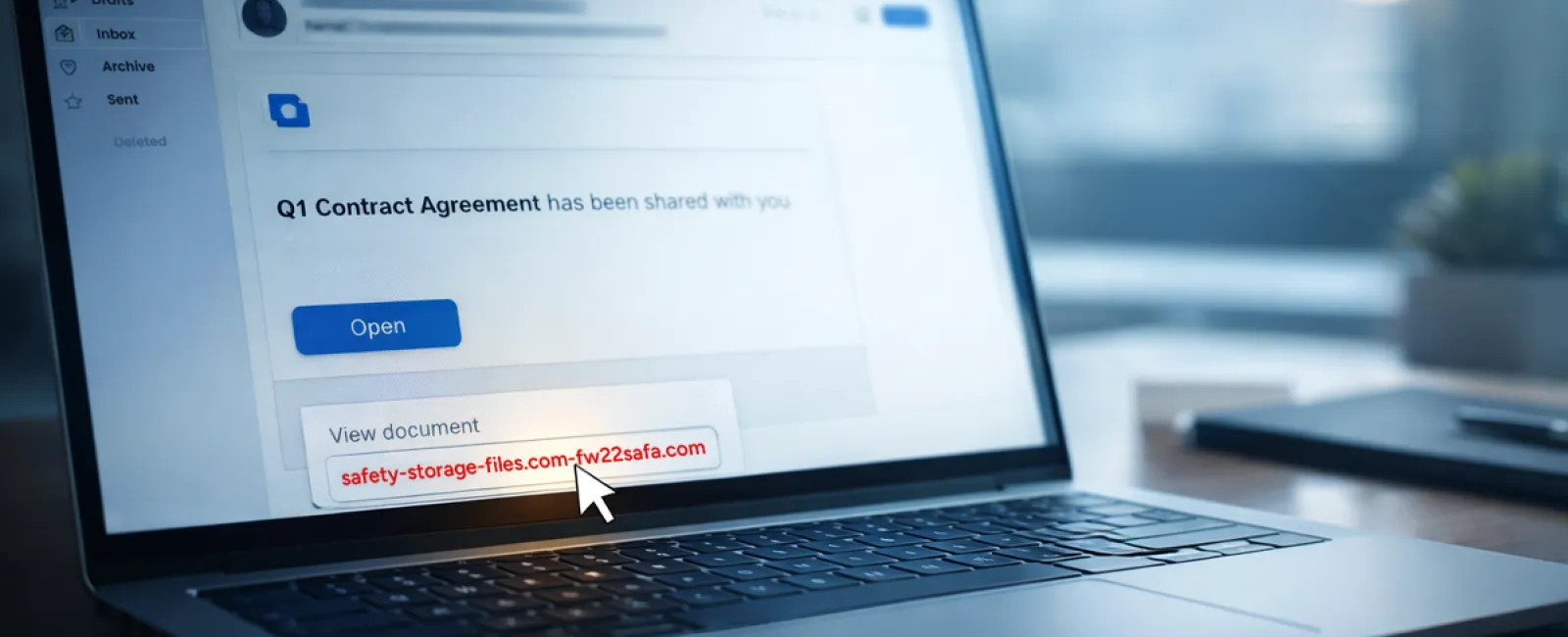
Scam #2: The "Your File Is Ready" Email
This scam seamlessly fits into routine work communications.
An employee sees an email announcing a shared document—perhaps a DocuSign contract, a OneDrive spreadsheet, or a Google Drive file.
The sender and layout look authentic, mirroring legitimate file-sharing alerts.
Clicking the link leads to a login page where they unknowingly surrender their credentials, granting attackers access to your company's cloud environment.
Phishing on platforms like Google Drive, DocuSign, Microsoft, and Salesforce rose 67% in 2025, with Google Slides phishing links alone jumping over 200% in half a year, per KnowBe4's Threat Labs reports.
Worryingly, employees are seven times more prone to click malicious links from these trusted platforms than from unknown sources because the notifications appear genuine.
Advanced phishing sets up files within compromised accounts and uses official sharing features, resulting in emails sent from legitimate servers, bypassing spam filters.
Defense strategy: Train staff to avoid clicking unexpected shared file links in emails. Instead, they should log directly into the platform via their browser to verify the file's existence. Additionally, restrict external sharing permissions and activate alerts for unusual access attempts—settings your IT team can establish quickly.
Simple habits provide powerful protection.
Scam #3: The Perfectly Crafted Phishing Email
Gone are the days when phishing emails were easy to identify by poor grammar and odd formatting.
A 2025 study revealed AI-generated phishing emails have a 54% click rate—more than four times higher than human-crafted ones—because they mimic real company details, job titles, and workflows scoured from public sources in seconds.
Nowadays, attacks target specific departments: HR receives fake employee verification requests, finance faces vendor payment change scams. Recent tests show 72% employee engagement with vendor impersonation emails—90% higher than other phishing types—because these messages appear calm, official, and urgent without raising alarm.
Mitigation tactics: Always verify requests involving credentials, payment changes, or sensitive data through a separate channel such as phone calls, chats, or in-person confirmation. Encourage employees to hover over sender addresses to confirm domains and to be skeptical of emails creating artificial urgency.
Effective security removes panic and restores control.
The Core Lesson
These scams thrive on assumed familiarity, authority, timing, and the illusion that verification takes too much time.
The true vulnerability isn't negligence; it's systems expecting everyone to always slow down and make flawless choices under pressure.
When a single hasty click can ruin your day, the problem lies in your process, not your people.
Fortunately, processes can be improved and risks mitigated.
How We Can Support You
Most business owners don't want to add more tasks or shoulder the responsibility of teaching cybersecurity daily.
They simply want assurance their business is shielded from lurking threats.
If you're worried about your team's exposure—or know someone who should be—we're ready to help.
Book a no-obligation discovery session to explore:
- Current cyber risks facing businesses like yours
- Common vulnerabilities woven into everyday operations
- Practical strategies to decrease risk without disrupting workflow
No pressure, no hype—just honest conversations to uncover concerns and examine solutions.
Click here or give us a call at (419) 522-4001 to schedule your free 15-Minute Discovery Call.
If this info isn't relevant, please pass it along to someone who would benefit. Sometimes, awareness is all it takes to turn a near-miss into a blocked breach.


