
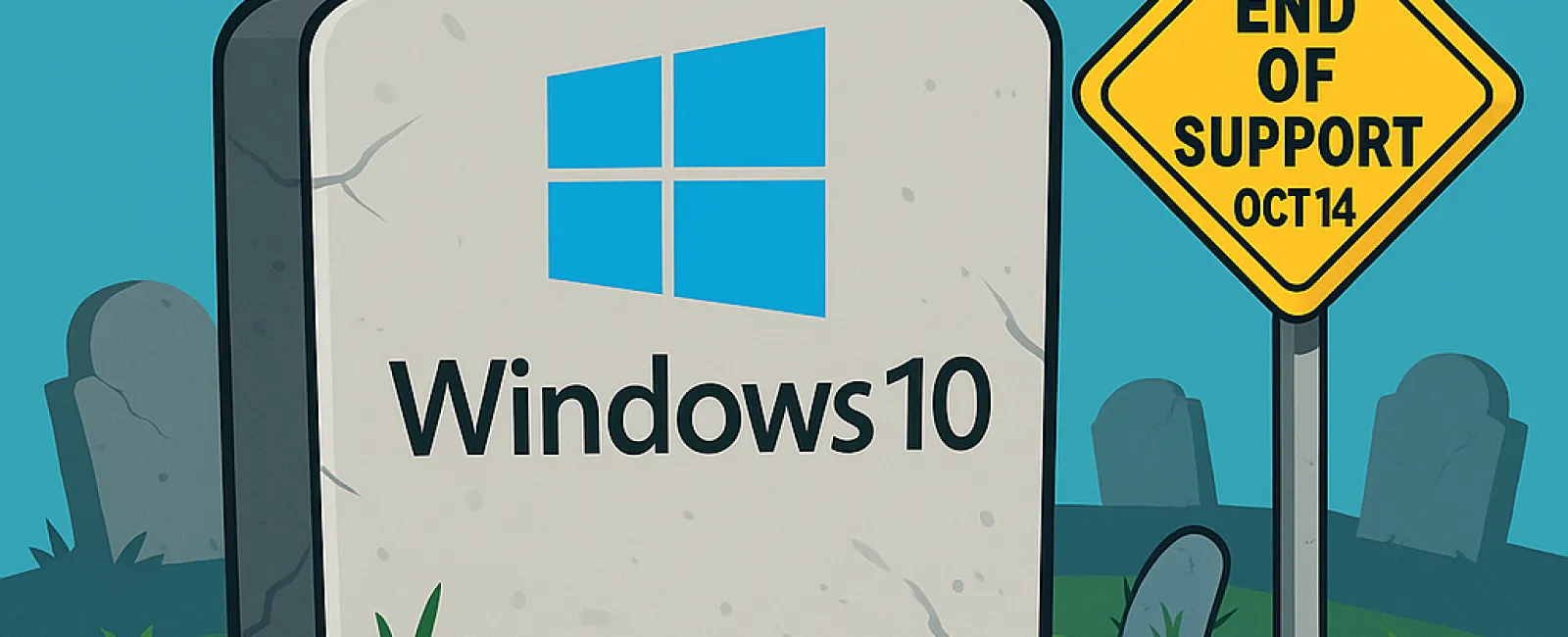
Attention: Microsoft will officially end support for Windows 10 on October 14, 2025. Although your PC will still function after this date, Microsoft will cease providing critical services like security updates and technical assistance that keep your system secure and running smoothly.
Why Should Business Owners Care?
- Heightened Security Threats: Without ongoing updates, your computer becomes increasingly vulnerable to malware, viruses, and cyberattacks. Protecting your business data means upgrading to a supported Windows version is essential.
- Software Compatibility Challenges: Many applications are optimized for the latest operating systems. Once Windows 10 support ends, some programs may malfunction or stop working entirely.
- Regulatory Compliance Risks: Businesses handling sensitive data or subject to strict regulations risk non-compliance issues if they continue using outdated software, potentially leading to fines or legal complications.
What Are Your Upgrade Options?
Microsoft recommends upgrading to the newest Windows version before support ends. However, not all Windows 10 PCs meet the hardware requirements for Windows 11, which may cause upgrade errors.
If your device isn't compatible with Windows 11, consider these options:
- Purchase a new PC that supports Windows 11
- Enroll in Extended Security Updates (ESU) for temporary protection
- Switch to a Linux operating system as an alternative
- Continue using Windows 10 without updates (not recommended due to security risks)
Before making any changes, always back up your important data to prevent loss during upgrades.
Extended Security Updates (ESU) Explained
If you can't upgrade immediately, Microsoft offers ESU for Windows 10, extending security patches for one year beyond the end-of-life date. Keep in mind, ESU is a temporary fix, not a long-term solution.
You can sign up for ESU by paying a $30 fee or redeeming 1,000 Microsoft Rewards points. Alternatively, a free option requires enabling Windows Backup to sync your settings and files to OneDrive's cloud storage. Note that OneDrive provides 5 GB free, but additional storage may be necessary for large backups.
Don't delay—register for ESU before the October 14 deadline to maintain security coverage.
Seamless Transition Support
Partnering with your IT provider or a trusted tech consultant can help you choose the best upgrade path and ensure a smooth transition with minimal business disruption.
If you need expert guidance during this important upgrade, contact our team for a FREE 15-Minute Discovery Call. We'll help you plan the most efficient way to move to Windows 11. Schedule your consultation by calling (419) 522-4001 or click here.


