
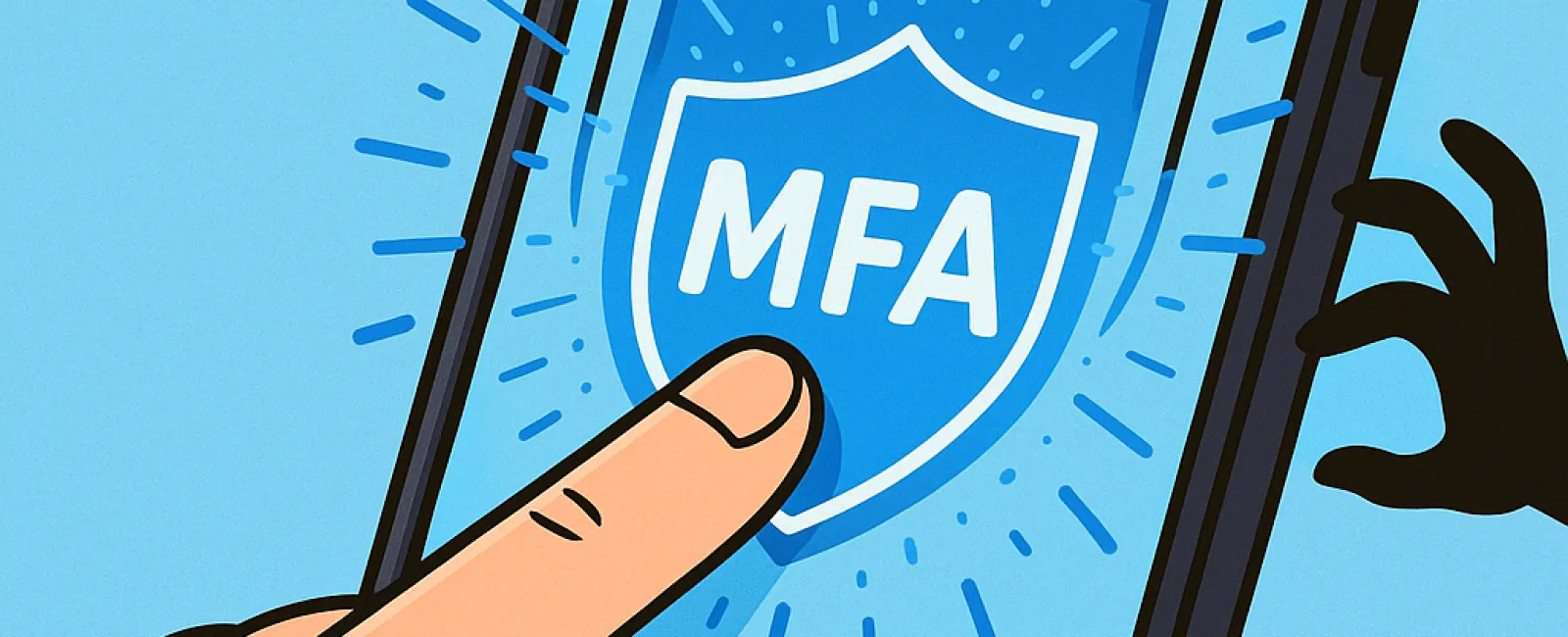
Just as you wouldn't drive without buckling your seatbelt or leave your office unsecured overnight, you shouldn't venture online without activating multifactor authentication (MFA).
MFA acts as an essential second barrier to your digital world. Instead of relying solely on a password—which can be stolen, guessed, or intercepted by phishing—it requires an additional verification step like a text message code, authentication app prompt, or fingerprint scan. Even if someone obtains your password, without this extra layer they're locked out for good.
The Power of One Extra Step
Think of your password as the lock on your front door, and MFA as the security system you arm before bedtime. While not absolutely mandatory, this additional safeguard ensures you remain protected even if one defense fails.
At its core, MFA simply adds a swift verification stage, confirming it's truly you trying to access your account. Whether called "two-step verification," "two-factor authentication," or a "one-time password," these terms all describe the practice of requiring multiple forms of identity confirmation before granting access to sensitive information.
MFA can take many forms: confirmation emails during account setup, security questions from banks, text message codes, push notifications, or phone calls. Most require just a single tap or quick code entry.
How MFA Stops Cyber Threats in Their Tracks
On your end, using MFA is quick and simple—just enter a code or tap a button to proceed. But on the hacker's side, it's a major obstacle. If someone tries to break into your account, MFA immediately alerts you via a notification or code request. This early warning lets you change your password before any data is compromised.
MFA also blocks unauthorized access, even if someone manages to get hold of your login credentials. For instance, if an employee is tricked into sharing their password, an intruder still can't bypass the extra security step. In fact, Microsoft's research reveals that enabling MFA reduces account compromise risks by over 99.2%, reaching 99.99% protection when fully activated.
Essential Areas to Enable MFA
Prioritize activating MFA on your:
- Banking and financial service platforms
- Email accounts and cloud storage services
- Social media profiles
- Work-related logins, especially those accessing client or proprietary data
Setting up MFA is usually quick and easy. Most major platforms have built-in options—simply select the method that fits your needs and incorporate it into your daily access routine. Using an authenticator app can enhance security for staff logins.
Ultimately, MFA is a fast, free, and highly effective way to prevent the majority of account breaches. Spending a few minutes enabling it today could save you from significant headaches, costly data loss, and recovery efforts tomorrow.
The simplest path to implementing MFA is consulting your IT provider. Experienced managed service providers (MSPs) streamline setup and ensure optimal protection. If you need expert cybersecurity guidance, click here or call us at (419) 522-4001 to schedule your 15-Minute Discovery Call with our security team now.


